
29 Best Project Management Software For Startups in 2026

10 Best Project Management Software For Startups Shortlist
Here’s my list of the best project management software tools for startups that I’ve reviewed:


The best project management software for startups helps founders and small teams manage deadlines, budgets, deliverables, and collaboration, and stay focused on building and scaling the business. Without the right tool, you'll struggle with scope creep, missed deadlines, and communication breakdowns caused by scattered spreadsheets, messy email threads, and disconnected tools.
The right software helps you prioritize tasks, allocate resources, manage clients, and streamline feedback, even with limited team capacity. I've used my 20+ years of experience as a project manager and startup founder to test these tools firsthand and round up the best project management software for startups so you can find the right fit to keep your business, team, and projects on track.
Why You Can Trust Us
Compare Specs Side-By-Side
Compare pricing details and other specs for each of my picks for the best project management software for startups to find the right fit for your budget.
| Tool | Best For | Trial Info | Price | ||
|---|---|---|---|---|---|
| 1 | Best for scalability | Free plan + free demo available + 15-day free trial | From $4/user/month (billed annually) | Website | |
| 2 | Best for collaborative creative teams | Free plan available | From $9/user/month (billed annually) | Website | |
| 3 | Best for aligning product and engineering teams | Free plan and 14-day free trial available | From $8.50/user/month | Website | |
| 4 | Best for collaborative whiteboards and visualizations | Free plan available | From $8/member/month (billed annually) | Website | |
| 5 | Best for a flexible, customizable solution | Free plan + free demo + free trial available | From $3/seat/month (billed annually) | Website | |
| 6 | Best for brainstorming, ideation, and task management in one | Free plan available | From $13/user/month (billed annually) | Website | |
| 7 | Best for Kanban boards | Free plan available | From $5/month (billed annually) | Website | |
| 8 | Best mobile app | 14-day free trial | From $1.49/user/month (billed annually) + free plan available | Website | |
| 9 | Best integrated communication and collaboration | Free trial available | From $7/user/month (billed annually) | Website | |
| 10 | Best for product management teams | 30-day free trial + free plan + free demo available | From $10.99/user/month (billed annually) | Website |


-

Insightful
Visit WebsiteThis is an aggregated rating for this tool including ratings from Crozdesk users and ratings from other sites.4.8 -
Accelo
Visit WebsiteThis is an aggregated rating for this tool including ratings from Crozdesk users and ratings from other sites.4.4 -
Wrike
Visit WebsiteThis is an aggregated rating for this tool including ratings from Crozdesk users and ratings from other sites.4.2





Overviews of the Best Project Management Software for Startups
Here’s a brief description of each of my picks for the best project management tools for startup companies, along with screenshots, best use cases, and key features.


Zoho Projects is an online project management tool that lets teams plan, track, and collaborate on project work. The tool is scalable for startups and small businesses.
Zoho Projects allows users to set up project plans, as well as create and assign ad-hoc tasks across the team. The tool also includes features like flexible work hours, baselines, and critical paths in Gantt charts, team based work allocation, and task reminders. Time tracking and resource utilization features help managers ensure that employees are not over or under worked.
Users can automate task transitions and workflows, track activities and progress by using the advanced reports, and manage budgets with expense management features. Collaboration features include team-wide and individual discussion management, a meeting tab to facilitate virtual meetings, a social feed to interact with and keep track of all your project activities, a forum to discuss ideas and solutions, and a central document management module to manage all information. Mobile applications are also available.
Zoho Projects has several integrations with Zoho apps like Zoho CRM, Zoho Cliq, Zoho Meeting, as well as with other third party apps like Microsoft Office 365, Microsoft Teams, Google Drive, Zapier, Zendesk, and ServiceNow.
Pros and Cons
Pros:
- Comprehensive project tracking tools
- Seamless integration with other Zoho apps
- Easy workflow automations
Cons:
- Does not integrate with Quickbooks
- Lacks some reporting features

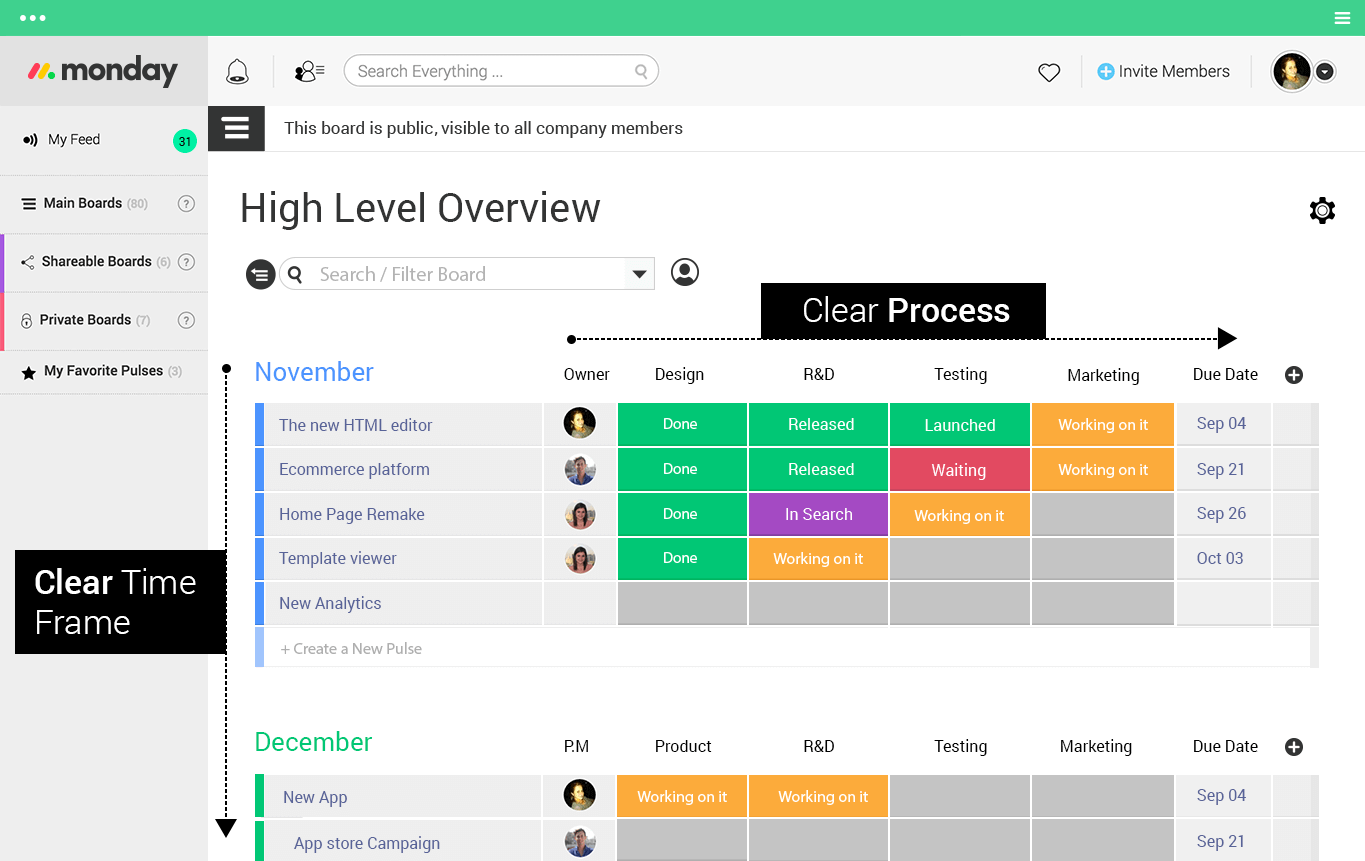
monday.com may seem like the most popular project management software that players in the big leagues use today. Though that is mostly true, monday.com is also one of the most helpful tools startup teams should consider implementing early on so that they can eventually join the bigger players. As a bonus, monday.com is easy to set up and we know how important it is to stay on track on all of your projects as you grow.
monday.com knows how important collaboration is for creative teams so it lets you connect in a variety of different ways without ever leaving the platform: commenting, file attachment, @-tagging, “liking” posts, and assigning tasks with point-and-click ease. You can also build team-specific dashboards and project boards so that everyone can easily see what is being worked on.
monday.com integrates with the tools you already know and love, making the transition for your startup team hassle free. Integrations include project management apps like Slack, Google Drive, Gmail, Google Calendar, Jira, GitHub, Trello, Dropbox, Typeform and many more, accessible through a paid plan with Zapier.
Pros and Cons
Pros:
- Good collaboration features
- Versatile templates for different projects
- Can be customized to fit any workflow
Cons:
- Each plan limits the number of automations
- Mobile app experience may be less intuitive
New Product Updates from monday.com

monday.com Adds Time Range Support to Calendar Widget
monday.com introduces time range support in the Calendar Widget. This update allows users to visualize events across their full duration instead of single dates, improving scheduling clarity. For more information, visit monday.com’s official site.


Shortcut is a project management platform designed to unify product and engineering teams by offering a comprehensive suite of tools including kanban boards, reporting, roadmaps, team collaboration, and various integrations. It provides a seamless experience for planning and development, enabling users to easily transition from other tools like Jira and Trello.
One of the key features that make Shortcut ideal for startups is its Kanban-style interface, which offers a clutter-free experience for better team collaboration. This interface allows teams to visualize project progress easily, manage workflows, and automate repetitive tasks. The platform's ability to plan project backlogs and sprints also helps core engineering and product management teams manage projects.
Shortcut's focus on Agile methodologies also makes it a good fit for startups that follow Agile, Scrum, or Kanban practices. The software includes features like epics, stories, and milestones, which help teams break down projects into manageable tasks and track progress.
Integrations include Slack, GitHub, GitLab, Google Drive, Dropbox, Google Calendar, Figma, Zapier, ProductBoard, Loom, Miro, Zendesk, Notion, and Box.
Pros and Cons
Pros:
- Teams can tailor workflows to match their specific processes
- Integrates with popular development tools
- Agile-focused features
Cons:
- No native time tracking
- Not ideal for non-development projects
New Product Updates from Shortcut
Shortcut Adds Inline Code Formatting to Story Titles
Shortcut introduces backtick formatting for story titles, allowing inline code styling directly in titles. This update improves readability by making technical terms easier to identify at a glance. For more information, visit Shortcut's official site.
 .
.
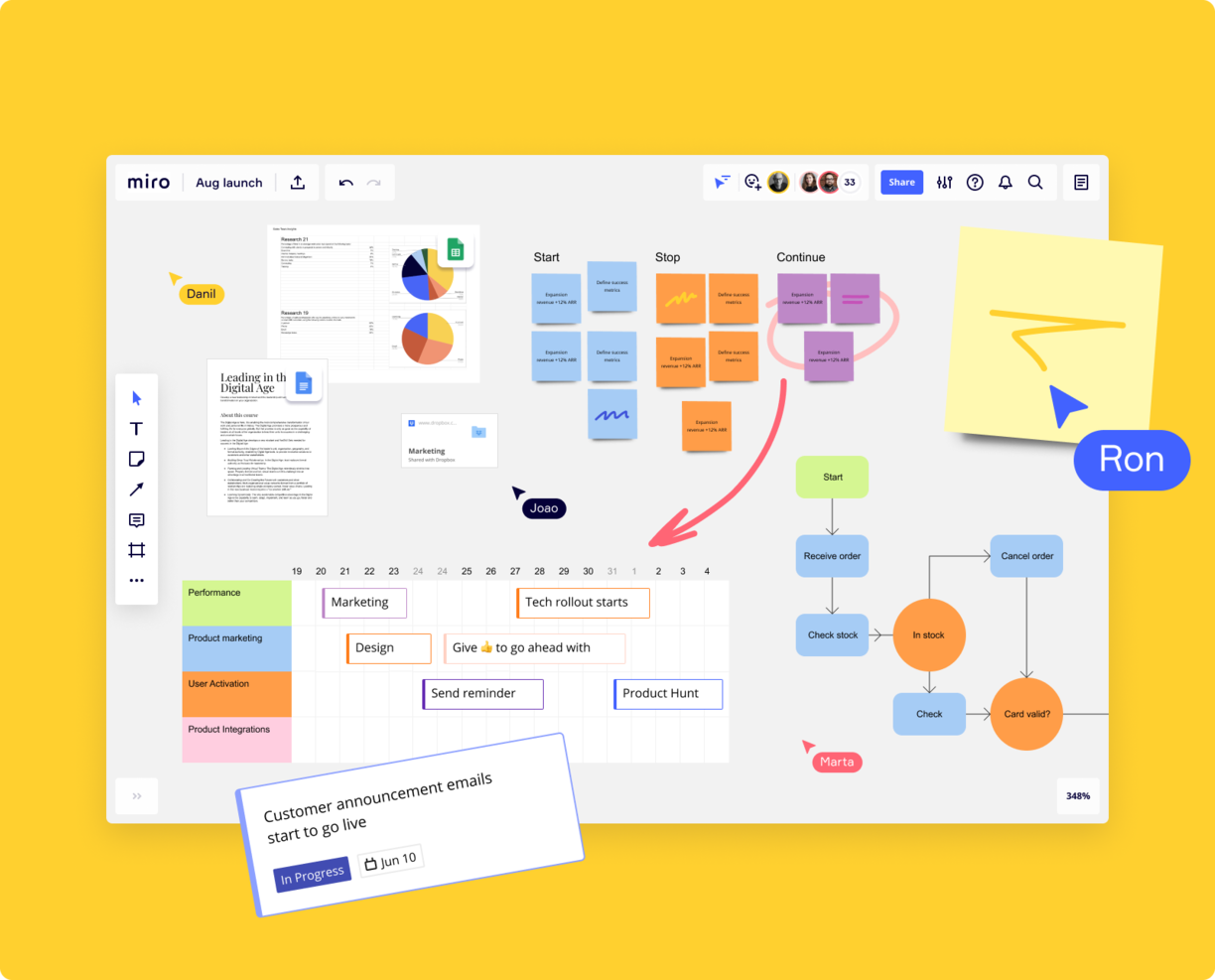
Miro is a collaborative online whiteboard platform widely used by startups for project management. It provides a range of templates like mind maps and Kanban boards and allows the import and further development of existing charts from tools like Visio.
Teams can express ideas using various formats, including numerical data, images, and videos. Miro's integration with project management tools such as Jira and Asana enables a visual complement to task tracking. By embedding Miro boards within tasks, team members can view project progress and dependencies visually, supporting a clearer understanding of project dynamics. This functionality makes Miro a practical choice for startups seeking a visual and interactive project management solution.
Other notable features include built-in video conferencing, Agile workflows, brainstorming templates, and wireframing tools.
Miro has integrations with a whole suite of tools, including Confluence, monday.com, Zoom, Figma, Asana, Microsoft Teams, Jira, Slack, Google Drive, Box, Airtable, Notion, Azure, and Webex. Some integrations are limited to paid plans only.
Pros and Cons
Pros:
- Built-in communication features for streamlined collaboration
- Intuitive and easy setup
- Free forever plan available
Cons:
- Zooming can be jumpy on larger projects
- Visitor/guest accounts locked to paid plans only
New Product Updates from Miro

Miro Enhances AI Workflows and Tables for Task Planning
Miro enhances AI workflows and Tables with AI-generated planning boards and web-aware automation. These updates help teams organize tasks faster and analyze external content within workflows. For more information, visit Miro’s official site.


FigJam is a collaborative whiteboard that has project management features built in. It can be used for a number of things, like virtual brainstorming, workflow design, strategy and planning, and team collaboration. Unlike a more traditional project management tools, this software offers a flexible visual platform that you can customize to meet your needs.
The software's whiteboards are infinite, meaning you can zoom in or out as far as you need. This is helpful for crafting complete product roadmaps and breaking things down into higher- and lower-level views. You can use audio and live chat, stamp and emoji reacts, and even bitmoji avatars to collaborate virtually with your team members. You can also invite external collaborators to work on your boards.
When it comes to project management, the platform's pre-built templates are really helpful. Whiteboard layouts for project kickoff brainstorms, roadmaps, timelines, flowcharts, and workflows are all available. Templates for other things like weekly and daily status meetings are included, too. The software also has calendar and timeline widgets to support your project planning and execution.
Integrations include Figma, Microsoft Teams, Asana, Jira, Mixpanel, and Github.
Pros and Cons
Pros:
- Collaborative features like sticky notes and emojis
- Offers community templates for various uses
- Great for quick sketches and diagrams
Cons:
- Not ideal for non-visual project management
- Limited sharing access for non-Figma users

Best for brainstorming, ideation, and task management in one

MeisterTask is a versatile project management tool designed to cater to the needs of teams looking for an efficient way to organize their tasks and workflows. It stands out with its visually appealing, user-friendly interface that utilizes Kanban boards for task management, allowing users to easily visualize their projects' progress at a glance. The platform is highly customizable, enabling teams to tailor their project boards to fit their specific workflow requirements. This flexibility, combined with features like task automation, due date reminders, and time tracking, makes MeisterTask an effective solution for managing a wide range of projects.
One of the unique aspects of MeisterTask is its seamless integration with MindMeister, an online mind mapping tool. This integration allows users to brainstorm, plan projects, and then directly convert these ideas into actionable tasks within MeisterTask, facilitating a smooth transition from ideation to execution. Additionally, the platform supports collaboration through features such as file attachments, comments, and task assignments, ensuring that team members can easily share information and stay aligned on their objectives. With its emphasis on simplicity, collaboration, and integration, MeisterTask provides a comprehensive project management solution that helps teams boost their productivity and achieve their goals more efficiently.
Integrations include Slack, Dropbox, Github, Google Drive, Microsoft Teams, Outlook, Trello, Asana, MindMeister, and hundreds more through a paid plan with Zapier.
Pros and Cons
Pros:
- Includes time tracking and reporting features
- Customizable project boards
- Provides a mobile app for on-the-go access
Cons:
- Not ideal for large, complex projects
- Limited options for setting reminders

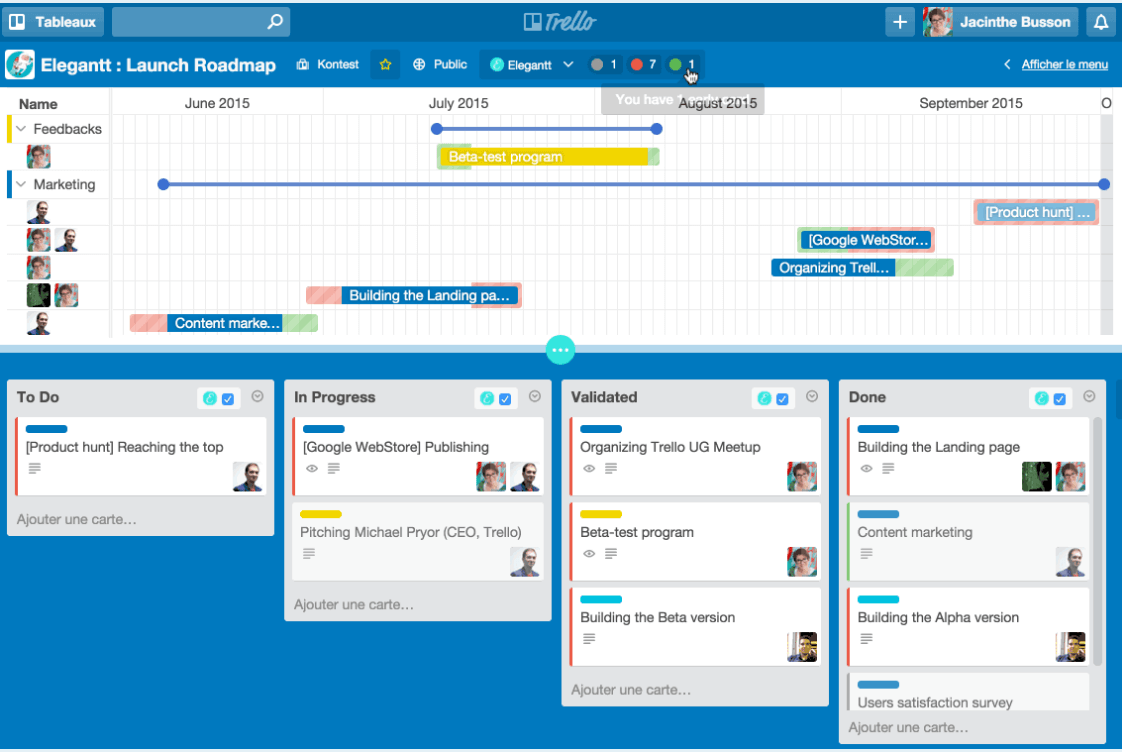
Trello is a project management solution that is most known for its Kanban boards. It offers startup teams a comprehensive tool that can be quickly set up and understood with its intuitive drag-and-drop interface for customizing boards and a no-code workflow automation builder. Their free plan lets you run 250 automated command runs per month, which is noteworthy because many PM tools limit automations to paid subscription plans. Startups take note!
Trello is great for startup teams thanks to a feature-packed free plan that Kanban board cheerleaders in particular will appreciate. You get unlimited cards, unlimited members, up to 10 boards per workspace, a list of free integrations with other PM tools (Google Drive, Slack, etc.), unlimited activity logs, mobile app access, and 2-factor authentication for log-ins.
Trello integrates with Confluence, Slack, Dropbox, Google Drive, Evernote, and other third-party apps you typically find in a modern tech stack.
Pros and Cons
Pros:
- Easy to set up and onboard team members
- Wide range of integrations
- Simple and intuitive Kanban-style boards
Cons:
- Not ideal for complex projects
- Can become cluttered with many cards


Freedcamp is a project management software that comes with something that most startups today consider as the industry standard: a robust mobile app that’s available on iOS and Android. This means that startups without an office or with limited available computers can access project management data on their personal smartphone device or tablet.
Freedcamp lets users save passwords, create invoices, back up and edit files—all this on top of the project templates, CRM features, and white labeling capabilities you would expect from a solid project management tool. Freedcamp also has calendars, discussion boards, milestones, a team/process wiki builder, issue tracking, and a time tracker too.
Freedcamp integrates with thousands of solutions through Zapier (which requires a separate paid plan of its own).
Pros and Cons
Pros:
- Customizable user permissions
- Supports multiple project views
- Offers a robust free plan
Cons:
- Lacks advanced reporting tools
- Limited native third-party integrations

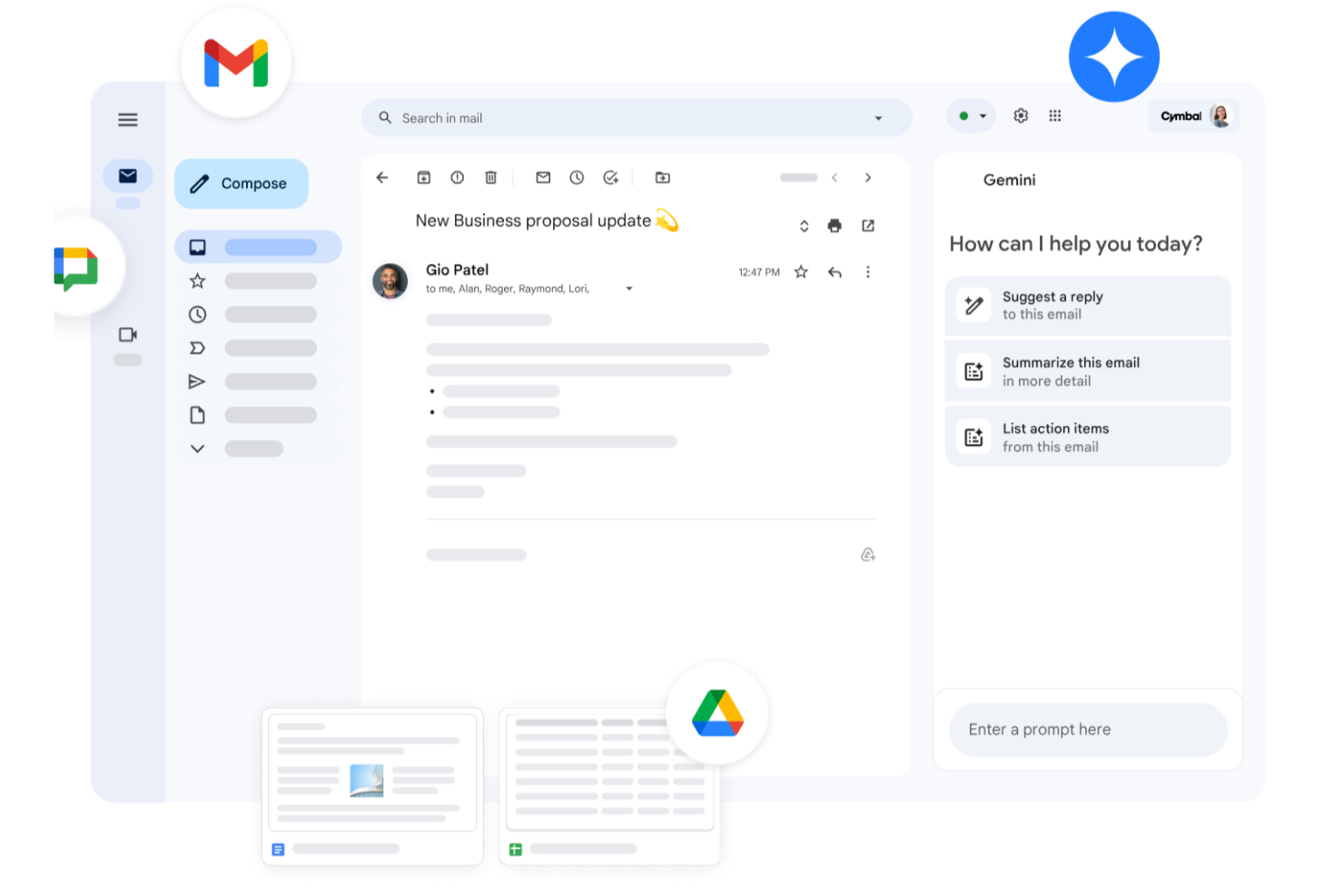
Google Workspace is a versatile suite of productivity tools designed to meet the dynamic needs of startups seeking effective project management solutions. It offers a cohesive environment where your team can seamlessly communicate, store, and manage documents, and schedule tasks. With applications like Gmail, Drive, Meet, and Chat, Google Workspace addresses the common challenges of collaboration and efficiency, making it an ideal choice for startup teams eager to streamline their operations and enhance productivity.
Why I Picked Google Workspace
I picked Google Workspace for its exceptional ability to integrate communication and collaboration in a single platform, specifically beneficial for startups. The combination of Google Drive and Docs allows your team to store, share, and collaborate on documents in real-time, eliminating the hassle of version control. Additionally, Google Meet provides high-quality video conferencing, ensuring that your remote teams stay connected and engaged, which is crucial for maintaining clear communication and momentum in fast-paced startup environments.
Google Workspace Key Features
In addition to its core offerings, Google Workspace provides several other features that enhance its utility for project management in startups.
- Google Calendar: Organize and manage team schedules with shared calendars, ensuring everyone is aligned on key deadlines and meetings.
- Google Chat: Facilitate instant communication with direct messaging and group chats, keeping your team connected and informed.
- Google Sheets: Analyze data and track project progress with powerful spreadsheets that support real-time collaboration.
- Google Forms: Collect feedback, conduct surveys, and gather data effortlessly with customizable forms integrated into your workflow.
Google Workspace Integrations
Integrations include Asana, Trello, Slack, Salesforce, Zendesk, DocuSign, Adobe, Dropbox, Zoom, and Monday.com.
Pros and Cons
Pros:
- Access to AI tools enhances productivity and task management.
- User-friendly interface simplifies navigation and usage.
- Real-time collaboration enhances team productivity and communication.
Cons:
- Shared drive permissions and complex folder hierarchies can become difficult to manage if not structured carefully.
- Compatibility issues when collaborating externally with teams using non-Google file formats.
New Product Updates from Google Workspace

Google Workspace Enhances Email Proofreading In Gmail
Google Workspace introduces enhanced email proofreading in gmail. This update uses gemini to refine drafts for clarity, tone, and conciseness before sending. For more information, visit Google Workspace’s official site.
 .
.

Teamwork is a project management software that lets users manage multiple products across their lifecycle without it being complicated to use. But that doesn’t mean it’s a simple tool. It comes with advanced features built to scale with your organization as you grow.
Teamwork offers a variety of ways for users to view their data, collaborate on it, and iterate. Take advantage of project and task management features like templates, time tracking & invoicing, custom fields, custom workflows, workload resource management, as well as utilization reports.
Teamwork integrates with Slack, Xero, Hubspot, Google Drive, Dropbox, QuickBooks, and Zapier.
Pros and Cons
Pros:
- Strong time tracking and billing capabilities
- Supports client collaboration with privacy controls
- Customizable dashboards and reports
Cons:
- Minimum user requirement for paid plans
- Robust feature set may be overwhelming for smaller teams
Other Tools
Here are a few more that didn’t make my top list, but which are worth your consideration if you didn’t find the right project management software for your startup above.
- Office Timeline
For PowerPoint timeline creation
- Plaky
For versatile workflow templates
- Height
For its free plan with unlimited members, guests, and tasks
- ESPMI
Project management software for startups that belong to a portfolio
- ClickUp
For teams who need a full-featured tool at a low cost
- Celoxis
For managing a project portfolio
- Scoro
For comprehensive project oversight
- Bonsai Agency Software
For integrated project, client, and financial management
- Wrike
For external collaborators
- Hubstaff
Free project management for startups
- Kissflow
For customizable form building
- ProWorkflow
For managing multiple projects
- GoodDay
For customizable workspaces
- PathPro
For linking customer feedback to product development and task management
- Basecamp
For project stand-ups
- Asana
For easy user adoption
- Forecast
For managing your projects, resources, and finances in one
- TeamGantt
For Gantt charts


Project Management Software for Startups Selection Criteria
When selecting the best project management software for startups to include in this list, I considered common buyer needs and pain points like balancing affordability with essential features and allowing for scalability with future growth. I also used the following framework to keep my evaluation structured and fair:
Core Functionality (25% of total score)
To be considered for inclusion in this list, each solution had to fulfill these common use cases:
- Task and project tracking
- Team collaboration and communication
- Deadline and milestone management
- File sharing and document management
- Reporting and progress tracking
Additional Standout Features (25% of total score)
To help further narrow down the competition, I also looked for unique features, such as:
- AI-powered task automation
- Built-in time tracking and invoicing
- No-code workflow customization
- Native integration with startup-friendly tools
- Investor and stakeholder reporting dashboards
Usability (10% of total score)
To get a sense of the usability of each system, I considered whether the tool has the following:
- An intuitive and modern user interface
- A Minimal learning curve for new users
- Mobile app usability and responsiveness
- Customization options for different workflows
- Performance speed and reliability
Onboarding (10% of total score)
To evaluate the onboarding experience for each platform, I considered the availability of the following:
- Interactive product tours
- Training videos and documentation
- Pre-built templates for common use cases
- Quality chatbots or AI-assisted guidance
- Dedicated onboarding support for new users
Customer Support (10% of total score)
To assess each software provider’s customer support services, I looked for the following:
- Availability of live chat and phone support
- Responsive email or ticketing system
- Quality self-service knowledge base
- Presence of a community forum for peer support
- Access to dedicated account managers for scaling teams
Value for Money (10% of total score)
To evaluate the value for money of each platform, I used the following checklist:
- Availability of a free or startup-friendly pricing plan
- Cost-effectiveness compared to feature set
- Flexibility of pricing tiers for scaling businesses
- Transparent pricing with no hidden fees
- Discounts or credits for early-stage startups
Customer Reviews (10% of total score)
To get a sense of overall customer satisfaction, I considered whether the following was included in customer reviews:
- Notes about the frequency of updates and new feature releases
- Positive feedback on ease of use
- Common complaints about feature limitations
- Praise for customer support responsiveness
- Reported issues with system reliability
How to Choose Project Management Software for Startups
It’s easy to get bogged down in long feature lists and complex pricing structures. To help you stay focused as you work through your unique software selection process, here’s a checklist of factors to keep in mind:
| Factor | What to Consider |
|---|---|
| Scalability | Make sure the software can grow with your startup. Look for flexible pricing, user limits, and advanced features that won’t require switching platforms as your team expands. |
| Integrations | Choose a tool that connects seamlessly with your existing apps—Slack, Google Drive, CRMs, or development tools—to avoid workflow disruptions and data silos (you might also consider project management software with CRM capabilities) |
| Customizability | Your startup’s processes are unique. Opt for software that lets you tailor workflows, dashboards, and permissions to match how your team works. |
| Ease of Use | A steep learning curve slows productivity. Pick a solution with an intuitive interface, simple navigation, and minimal training requirements. |
| Budget | Startups need cost-effective solutions. Compare free plans, trial periods, and per-user pricing to make sure you're getting an affordable option without sacrificing essential features. |
| Security Safeguards | Protect sensitive business data. Look for features like role-based access, encryption, and compliance with standards like SOC 2 or GDPR. |
| Collaboration Tools | Startups move fast, so real-time communication, task comments, file sharing, and team dashboards should be built in. |
| Mobile Accessibility | Your team needs access on the go. Make sure the software has a well-designed mobile app with full functionality. |
What is Project Management Software for Startups?
Project management software for startups is a tool that helps you organize tasks, timelines, and resources for your startup's projects. Founders, project leads, and team members use it to keep everyone on the same page, work together effectively, and deliver projects on time.
Features include task and milestone tracking, collaboration tools, document sharing, and resource management. Project management software for startups is especially helpful when your team grows and projects get more complicated, because you can organize projects in a way that boosts productivity and lets you scale effectively.
Features of Project Management Software for Startups
Here are some of the features I look for when evaluating project management systems for small teams, startups, and small businesses.
- Streamlined work management: Most startups don’t have a lot of resources to dedicate to training and onboarding, so the tool must offer simplified “get-up-and-go” project planning with a manageable learning curve.
- File-sharing: Communication and distribution of limited (but expanding) assets are critical to getting any startup off its feet.
- Real-time updates: Things are moving fast and changing often so it’s imperative that different team members are getting the most current information as soon as possible.
- Roadmapping: Not only will your startup squad need a crystal clear roadmap for where they are going but you will want some way to ping team leaders if a project or task requires follow up or course correction.
- Collaboration across projects: Startups are juggling many projects at once, from social media upkeep to product development to hiring; you’ll need an app that unifies collaboration for all branches in a central location.
- Scrum boards for backlog visibility: This helps busy teams visualize what needs to be done for each sprint and put a pin in items that are lower priorities. It also helps you keep track of great ideas for the product roadmap and future vision.
- Reporting: Get insights into project progress, team performance, and deadlines with real-time dashboards and customizable reports.
- Automation: Reduce manual work by automating task assignments, status updates, and notifications to keep projects moving efficiently.
- Document management: Store, organize, and share files in a centralized location to make sure your team has easy access to the latest project documents.
- Resource management: Allocate team members, budgets, and tools effectively to prevent overallocation and keep projects on track.
If your small business is better described as a nonprofit, try this list of project management software for nonprofits; if you're a team of one, try this list of project management software for individuals.
Frequently Asked Question About Project Management Software for Startups
How do you implement project management in a startup?
You’ll quickly realize the need for a project manager within your roster. However, you will also realize that there might not be a budget for it. Then, your first task is to select which is the best position within your current team to handle these responsibilities.
After you’ve chosen a person, look for free project management tools that you can test with. After you test, you’ll have to select the best tool for your situation. For example, it’s usually best to select software that can be run on a Macbook or other laptop so you don’t have to invest in new systems. Once you pick the right tool for you, the fun can start.
Even with the easiest project management software, tool adoption still takes time, and you’ll have to invest in one-on-one meetings to explain to different people how to use the tool for their role within the projects. This will be time-consuming but also the best path to guarantee a smoother transition from your current system to this tool.
Finally, repetition will be your best ally. Repeat, repeat, repeat. Iterate on your process and provide feedback to the team on their use of the tool so they keep moving in the direction you want them to.
What’s Next:
If you're in the process of researching project management software for startups, connect with a SoftwareSelect advisor for free recommendations.
You fill out a form and have a quick chat where they get into the specifics of your needs. Then you'll get a shortlist of software to review. They'll even support you through the entire buying process, including price negotiations.